


How Hyundai Digital Key 2 Unlocks Convenience
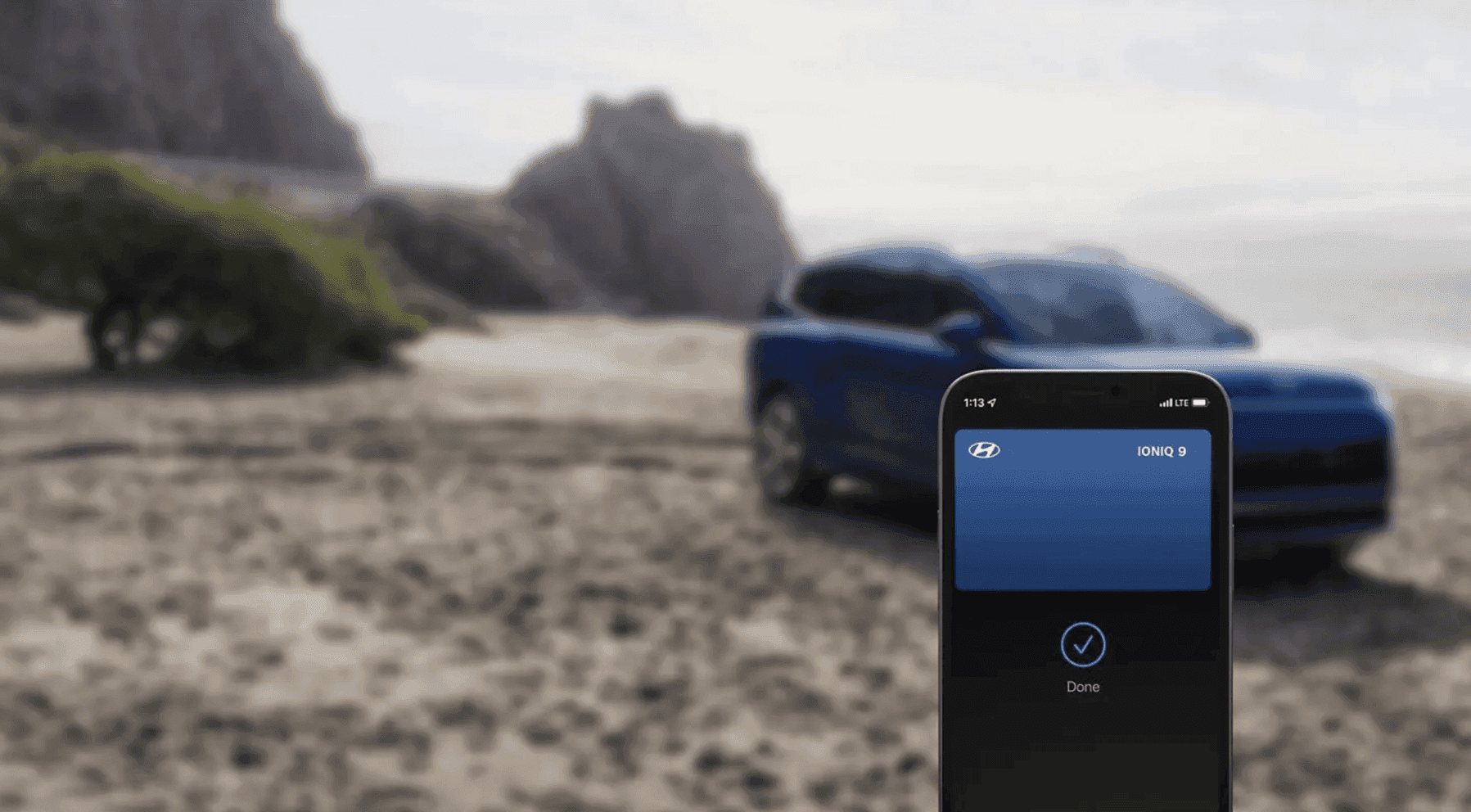
Photo Source/Copyright: Hyundai USA
Can your smartphone eliminate the hassle of physical keys without sacrificing vehicle access? Absolutely; Hyundai Digital Key 2 solves that. It turns a compatible smartphone or smartwatch into the key itself, using your Bluelink-connected services account to handle the job a fob used to do.
What Is Hyundai Digital Key 2?
Digital Key 2 stores your key credential in your phone’s digital wallet, whether that’s Apple Wallet, Google Wallet, or Samsung Pass. From there, you can lock, unlock, and start a compatible Hyundai. Support covers select Samsung, Google, and Apple devices, and a compatible smartwatch can stand in for the phone entirely. An active Bluelink enrollment is required before any of it works.
Two wireless technologies do the work. Near Field Communication (NFC) prompts you to tap the device against the door handle. Ultra-Wideband, or UWB, lets the vehicle recognize your device as you walk up, so no tap is needed. That difference defines the two versions: Digital Key 2 Touch supports only NFC devices, while Digital Key 2 Premium adds hands-free UWB entry.
What Can You Do With Digital Key 2?
The appeal here isn’t novelty. It’s the accumulation of small daily frictions that disappear once your phone or watch carries the key.
- Lock and unlock: from a compatible smartphone or smartwatch
- Push-button start: without pulling the fob from a bag or pocket
- Driver presets: seat and mirror position, climate, and audio preferences
- Wallet storage: held in Apple Wallet, Google Wallet, or Samsung Pass
- Shared access: create, send, and manage keys for other drivers
Which of these you can use depends on your specific vehicle and the device in your pocket.
Which Hyundai Models Offer Digital Key 2?
Hyundai confirms Digital Key 2 Premium availability on two models in the current lineup:
- Palisade
- IONIQ 9
Availability is tied to trim rather than the model line as a whole. Digital Key 2 and Digital Key 2 Touch also reach additional models and earlier production years. Device requirements shift as phones and operating systems update, so confirm compatibility against the exact vehicle and the exact phone you plan to use.
How Do You Set Up Digital Key 2?
Setup happens once, and it runs entirely through the MyHyundai app. Four steps get you there:
- Enroll in Bluelink
- Download the MyHyundai app
- Select the Digital Key icon from the home screen or utilities menu
- Follow the in-app instructions to finish pairing
Devices that support NFC only finish pairing on the wireless charging pad while following the prompts on the vehicle display. Your physical fob keeps working the entire time.
Can You Share a Digital Key?
You can create and share up to 3 digital keys via Apple Wallet, Google Wallet, or Samsung Pass. Sharing works across platforms so that an iPhone owner can pass a key to someone with a Galaxy or Pixel. Compare that to a spare fob, which you can’t track or call back.
As the primary user, you control when a shared key can be used, and you can end that access whenever you choose. That matters for a teen driver, a partner who shares the car, or a family member visiting for the weekend.
What If Your Phone Isn’t Available?
A dead battery or a phone left on the counter doesn’t lock you out. Hyundai supplies an NFC Key Card that unlocks and starts the vehicle when your phone is unavailable, and it fits in a wallet or purse as a permanent backup.
Touch entry requires the device to be powered on and unlocked, so your own lock screen stands between a stranger and your vehicle. Moreover, if a phone goes missing or a borrower no longer needs access, the shared key can be revoked.
See Hyundai Digital Key 2 Today
The fastest way to know if this fits your routine is to try it. Schedule a test drive, stop by, and our team can confirm whether a given model and trim supports Digital Key 2 Premium or Digital Key 2 Touch, check your phone against current device requirements, and walk you through Bluelink enrollment and pairing before you leave.
More From Vision Hyundai Henrietta
Which Hyundai Sedan Models Fit Your Lifestyle?
Photo Source/Copyright: Hyundai USA Plenty of automakers have walked away from the four-door car to focus entirely on crossovers, but Hyundai didn’t. The Hyundai sedan models sitting on dealer lots today earned their spot by being genuinely good at specific tasks, offering a tailored choice for almost every type of driver. The core…
Everything You Need On Hyundai Kona Reliability
Photo Source/Copyright: Hyundai USA Reliability decides more subcompact SUV purchases than horsepower, styling, or screen size, yet it’s the hardest attribute to verify before signing on the dotted line. Car buyers usually end up relying on intuition, online forum threads, or stories about a cousin’s troublesome Hyundai from 2011. The Hyundai Kona’s actual track…
How Many Seats Does the Hyundai Santa Fe Have?
Photo Source/Copyright: Hyundai Choosing the right middle-row setup dictates whether your Hyundai Santa Fe holds six or seven passengers, as three rows come standard across all trims regardless of powertrain. The total seat count only changes depending on whether you choose the second-row bench or captain’s chairs. Standard Seating Across the Lineup Every…